Visual planning
Work on real site photos, maps, and floor plans. Place devices, labels, markup, measurements, camera coverage, WiFi overlays, and cable routes without losing the project context.
Plan security, network, access control, and low-voltage projects in one workspace with photos, floor plans, equipment, cable routes, review notes, BOMs, and client-ready reports tied to the same job.
Udora brings the messy parts of a systems project into one place: site photos, floor plans, equipment placement, cable paths, product choices, technical review, and the documents clients and installers need afterward.
Work on real site photos, maps, and floor plans. Place devices, labels, markup, measurements, camera coverage, WiFi overlays, and cable routes without losing the project context.
Keep checklists, site assessments, network review, PoE planning, rack layouts, risk notes, and cable estimates close to the design instead of scattered across separate files.
Manage equipment types, product options, vendor packs, imported product sources, and bills of materials so the design can feed pricing, purchasing, and handoff work.
Core plugins organize Udora's built-in tools. Community plugins open the door for calculators, catalog packs, workflow helpers, exports, and other add-ons built around real field needs.
Each feature connects back to the same project, from the first site photo to technical review, BOM, archive, and final PDF.
Drag equipment onto imported floor plans, photos, or maps. FOV cones, WiFi overlays, and cable runs update in real time.
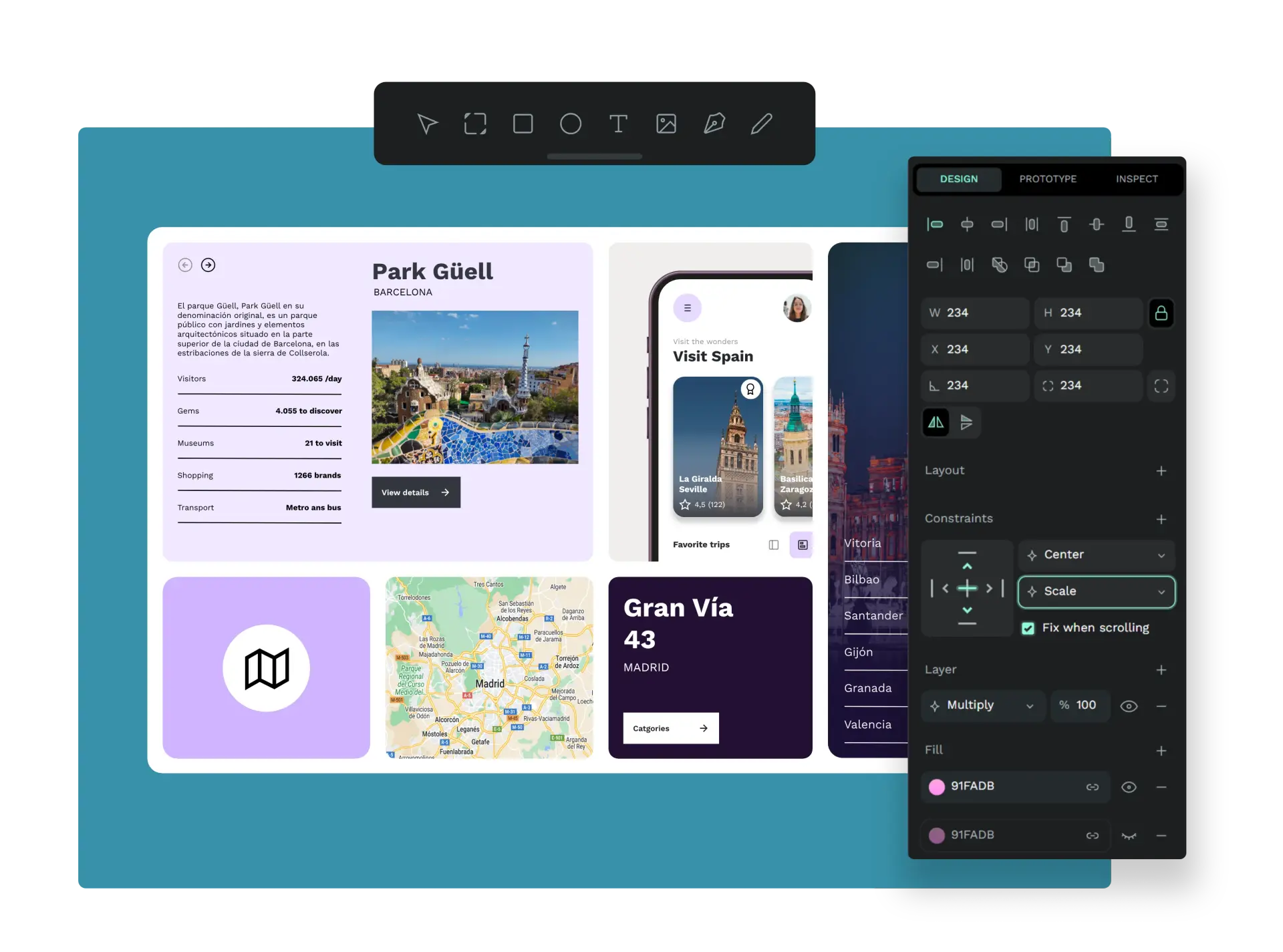
Split a project across floors, buildings, or areas. Each zone has its own canvas, while the BOM, archive, and PDF keep the project together.
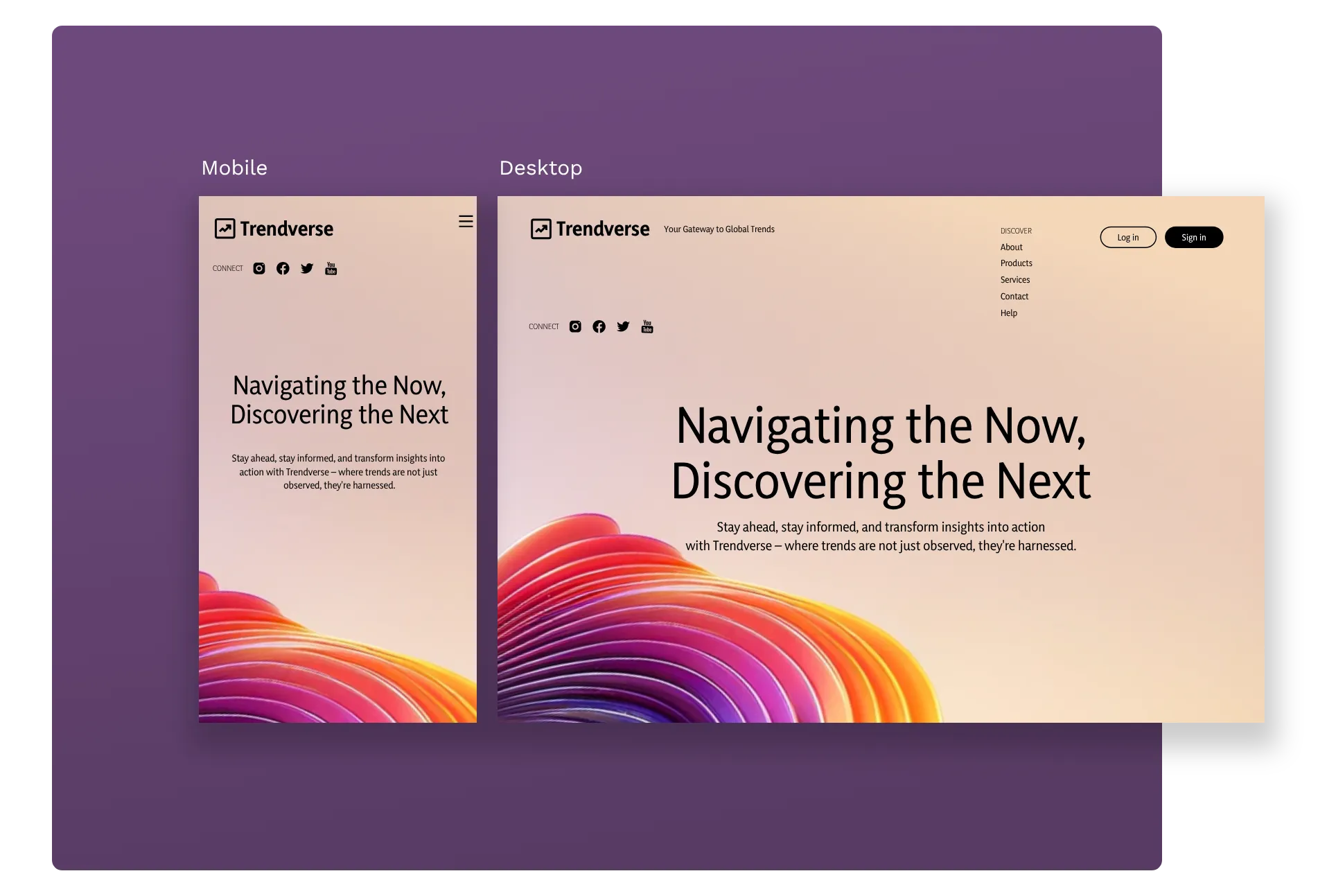
Assign ports, track PoE budgets, and plan rack layouts. Catch problems before the project reaches the field.
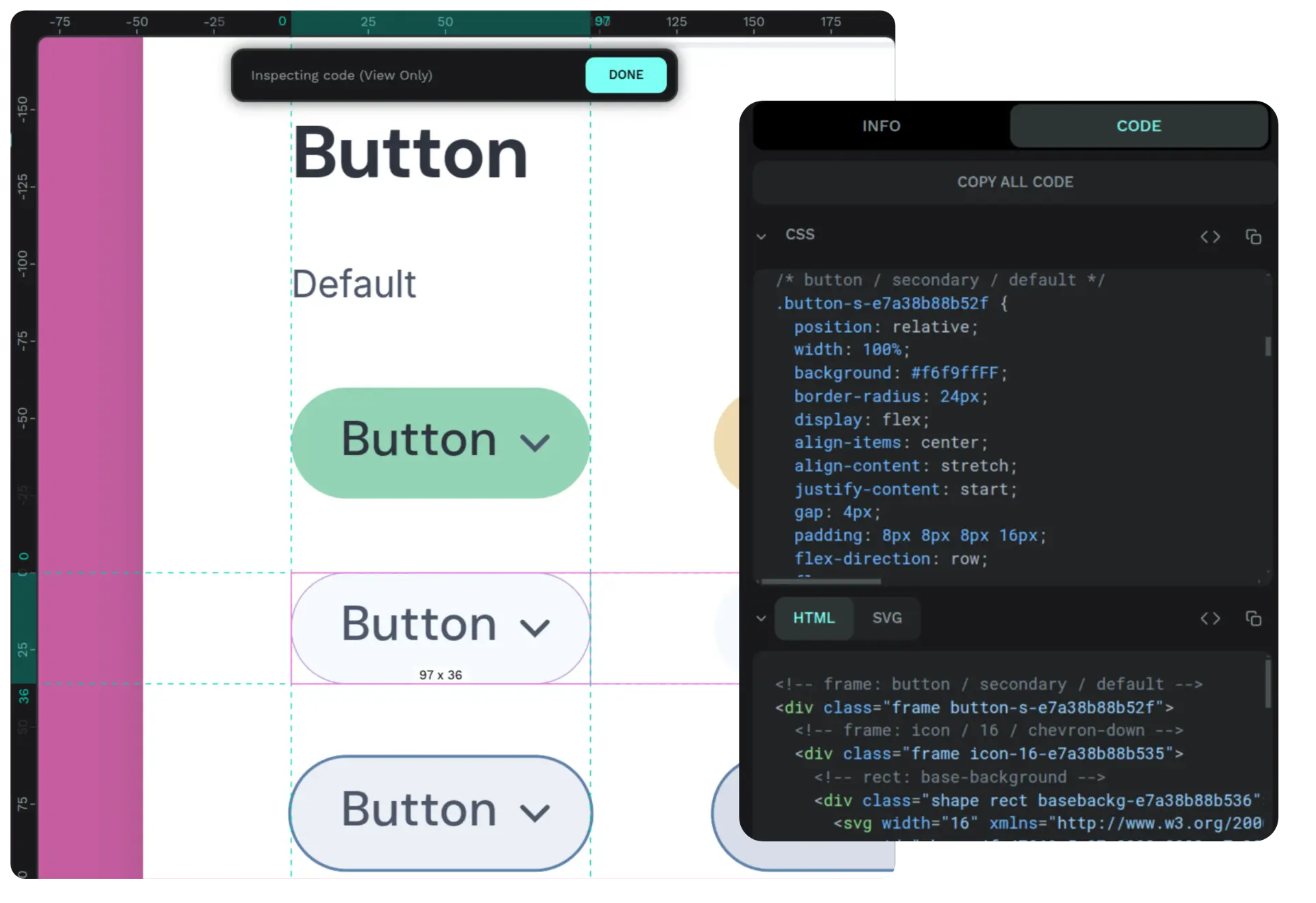
Export branded reports with annotated site plans, bills of materials, assessment findings, and rack layouts in one document.
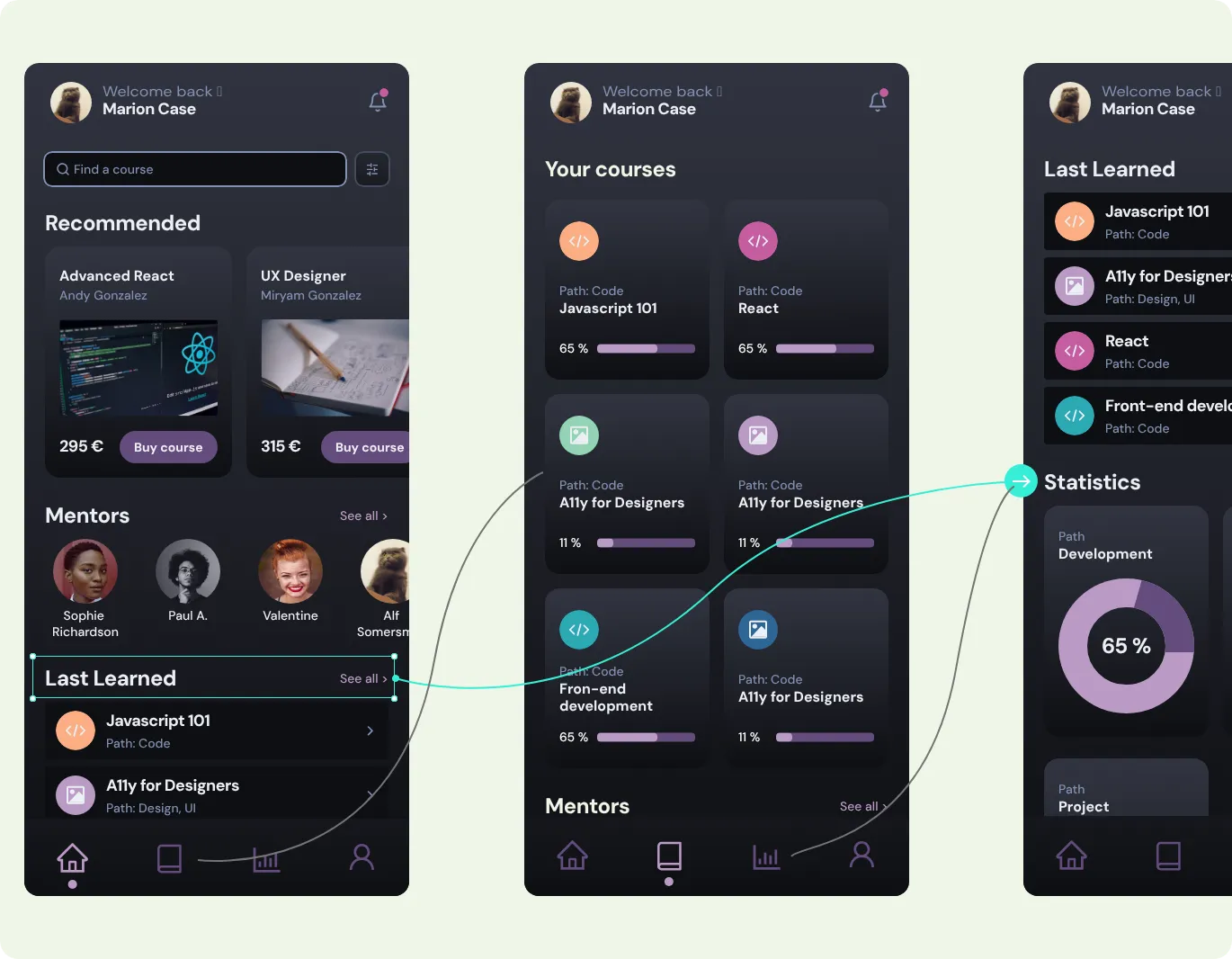
Draw cable runs and link them to shared pathways for realistic installed-length estimates, not straight-line guesses.
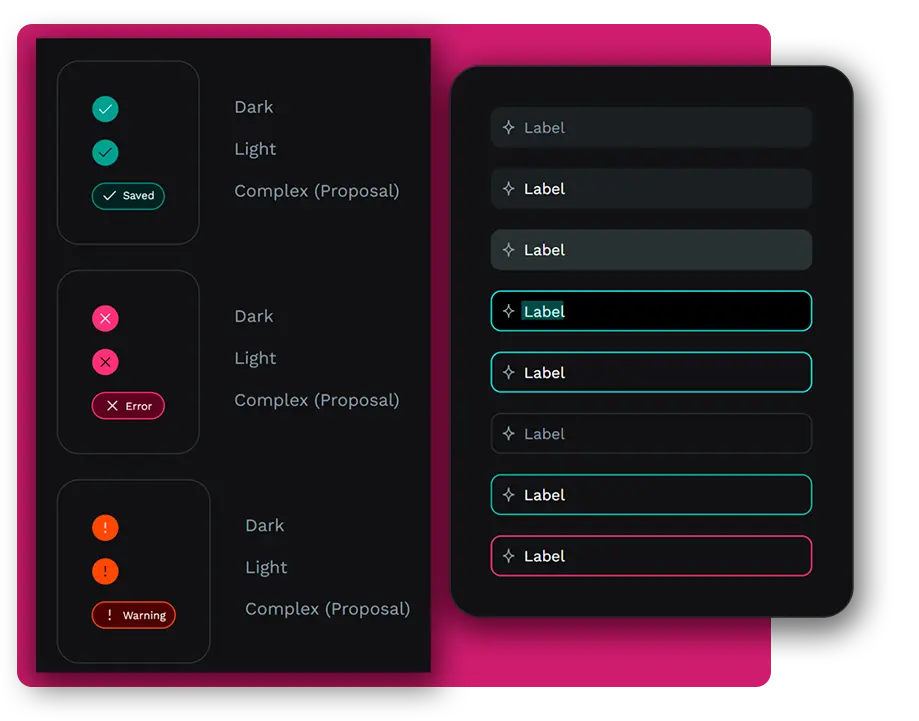
Score site risks, attach findings to canvas markers, and carry the assessment into the client report instead of a separate checklist file.
Bring plans, photos, imported symbols, measurements, routes, media, and assessments together in a workspace that keeps the job context intact.
Request access
Combine site assessment, checklists, network review, PoE planning, route-aware cable lengths, and rack layouts so technical review stays inside the workflow where it belongs.
Request access
Import or manage products, map them to equipment types, use vendor packs safely, and turn project output into estimate-ready data for systems like Zoho Books.
Request access
A systems design tool should adapt to the way teams actually work. Udora separates built-in Core plugins from Community plugins so the main workspace can stay focused while new calculators, catalogs, exports, and workflow tools can be added around it.
Udora's main tools are grouped as Core plugins: canvas equipment, camera coverage, cable routes, checklists, product sources, BOM, rack planning, network review, maps, and imported libraries.
Community plugins are a natural home for practical field calculators, such as storage estimates, cable planning helpers, bandwidth checks, labor worksheets, or proposal tools.
Manufacturers, distributors, and integrators can use plugin-style packs to add products, symbols, defaults, and planning data without turning the core app into a hard-coded catalog.
Plugins should add capability without weakening trust. Udora treats extension points, permissions, review, and workspace boundaries as part of the product, not an afterthought.
Udora is designed for people who plan, spec, review, and deliver systems on real sites, not teams that only need diagrams.
Camera systems, access control, alarm, and structured cabling projects from site survey through to client handoff.
Plan device placement, cable runs, and rack layouts with the practical detail that installation work actually needs.
Design network infrastructure, assign ports, track PoE budgets, and produce clear documentation for client sites.
Place readers, controllers, and door hardware on floor plans with the context needed for accurate scope and pricing.
Request access to Udora Systems Designer. Leave your name, email, and a short note if you want to add one.
Prefer email? Reach out directly at hello@udoragroup.com.